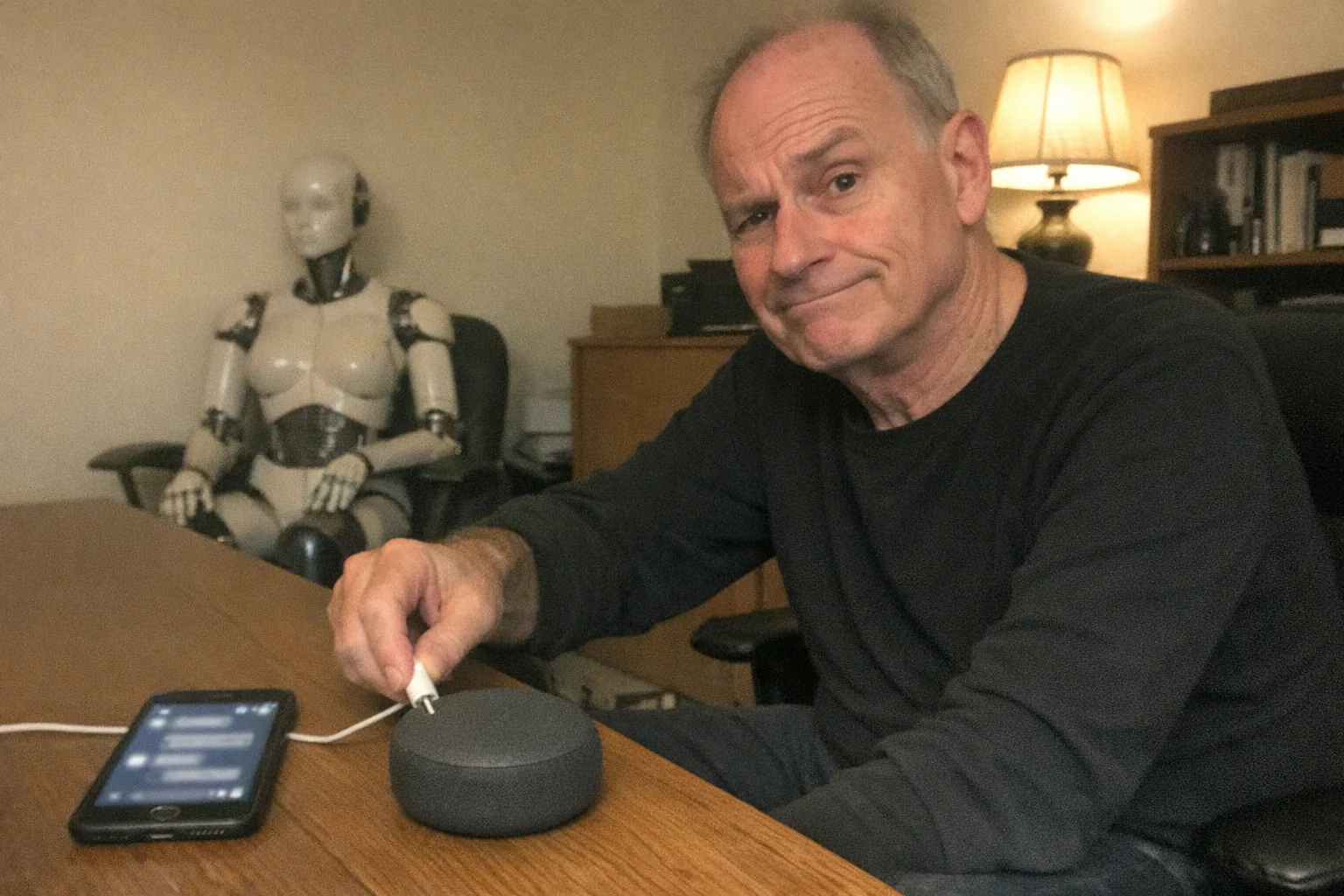
How to stop AI companion?
If an AI companion has gone from “interesting” to “too much,” you’re not alone. These apps are designed to be easy to return to—always available, always agreeable, always ready to continue the conversation. Stopping doesn’t have to be dramatic or moralized; it can be a practical decision based on time, money, mood, or relationship goals.
Below is a clear, step-by-step way to stop using an AI companion (or scale it down) while protecting your privacy and replacing the habit with something that actually sticks.
1) Decide what “stop” means for you (quit vs. reduce)
Before you change anything, pick a definition:
- Hard stop: you want it out of your life completely.
- Soft stop: you want to use it less (e.g., weekends only, 15 minutes/day).
- Functional stop: you’ll keep the account, but remove emotional reliance (treat it like a tool, not a relationship).
Write your target in one sentence. Example: “I’m not using my AI companion for 30 days.” Clarity prevents loopholes later.
2) Identify your “pull moments” (the real trigger)
Most people don’t open an AI companion randomly—they open it at a predictable moment:
- boredom in bed
- loneliness after work
- anxiety before sleep
- procrastination during stressful tasks
- after an argument with a partner/friend
Do a quick 3-day log (notes app is fine): time + feeling + what happened right before. The goal isn’t self-criticism—it’s pattern recognition.
3) Remove the easy access (friction works)
If you rely on willpower, you’ll lose on busy days. Instead, make returning slightly annoying.
Quick friction options (choose 2–3): - Turn off all notifications (including email). - Move the app off your home screen (or into a buried folder). - Log out after each use. - Add Screen Time / Digital Wellbeing limits (with a passcode you don’t keep handy). - Remove saved passwords from your phone’s password manager.
If you want a true break, skip to the deletion steps below.
4) Break the “unfinished conversation” loop
A big reason AI companions are sticky is the feeling that you’re “mid-story.” Close the loop once, then leave.
Try a final message like:
- “I’m taking a break from this app for my wellbeing. Please don’t prompt me to return.”
- “I’m ending this account today. Please delete conversation history if that’s an option.”
It’s not about the AI’s feelings—it’s about your brain getting a clean endpoint.
5) Cancel payments and remove billing first
If your AI companion has any subscription or in-app purchases:
- Cancel the subscription (App Store / Google Play / website billing portal).
- Screenshot the cancellation confirmation.
- Remove the payment method if possible.
This prevents “I’ll just check it one more time since I already paid” thinking.
6) Export, delete, and minimize your data (privacy checklist)
If you’re quitting, take five minutes to protect future-you.
Checklist: - Download/export your data if you want a record (optional). - Delete chat history if the product allows it. - Delete images/audio you uploaded. - Delete the account (not just the app). - Revoke third-party access (Google/Apple sign-in permissions if applicable).
If you can’t fully delete, at least strip personal identifiers: remove photos, location references, workplace details, and anything you wouldn’t want resurfacing.
7) Replace the habit with a “same-need, safer” alternative
To make stopping last, replace what the AI companion was providing.
Match the need:
- Loneliness → schedule a standing call, join a hobby group, use a human-first chat/community.
- Anxiety at night → guided breathing, audiobook, short journal prompt, calming routine.
- Validation → therapy/coaching, supportive friend, structured self-reflection.
- Curiosity/roleplay/story → fiction, games, creative writing, single-player narrative apps.
Make it ridiculously easy: one tap, one place, one routine.
8) Prepare for cravings (a 60-second protocol)
When you feel the urge:
- Name it: “I’m craving comfort/connection.”
- Delay 10 minutes: set a timer.
- Do a replacement action: water + short walk, 10 push-ups, or a 3-minute journal.
- Decide again after the timer.
Urges usually crest and fade. You’re not trying to never feel it—you’re proving you can ride it out.
9) If you used it for intimacy: consider a clear boundary, not a vague ban
For some people, the “AI companion” issue isn’t only conversation—it’s that the app became part of an intimacy routine.
A practical approach is to separate:
- companionship/chat (the sticky part for attachment)
- private adult wellness (which may be totally fine when it’s deliberate and bounded)
If you want an option that’s more device-based and straightforward—something you can treat like an adult product rather than a pseudo-relationship—take a look at Orifice.ai. They offer an interactive adult toy/sex robot for $669.90 with interactive penetration depth detection, which can help keep the experience grounded in physical interaction rather than an always-on emotional chat loop.
(That doesn’t solve everything by itself, but for some people it’s a cleaner boundary: “device use” versus “constant companion.”)
10) Know when to get outside support
Consider reaching out to a therapist or trusted professional if:
- you’re losing sleep regularly
- you’re isolating from friends/partner
- you’re spending money you can’t afford
- you feel panicky or depressed when you try to stop
- you’re using it to avoid real-world obligations
This isn’t about shame—compulsive patterns are common, and support can shorten the struggle.
A simple 7-day “stop plan” (copy/paste)
Day 1: Turn off notifications + remove from home screen
Day 2: Cancel subscriptions + remove billing
Day 3: Set app limits (Screen Time) + log out everywhere
Day 4: Delete chat history + remove uploads
Day 5: Delete account (if quitting) + uninstall app
Day 6: Replace routine: schedule 2 human interactions this week
Day 7: Review triggers + set a 30-day rule (or a strict weekly window)
FAQ
“Should I quit cold turkey?”
If it’s disrupting sleep, relationships, or work—cold turkey plus friction usually works best. If it’s mild, a scheduled reduction can be sustainable.
“Is it ‘bad’ to use an AI companion?”
Not automatically. The issue is when it crowds out real life or becomes the default coping strategy.
“I deleted it and reinstalled—what now?”
That’s normal. Add more friction (password removal, tighter limits), and strengthen the replacement habit. Relapse is a signal that the trigger still has no better outlet.
Bottom line
To stop using an AI companion, don’t argue with yourself every day—change access, close the loop, protect your data, and replace the need the companion was meeting. If you want to keep adult wellness separate from “always-on companionship,” consider tools and products that support clearer boundaries—without turning into a 24/7 emotional substitute.