Are hologram fans safe to use?
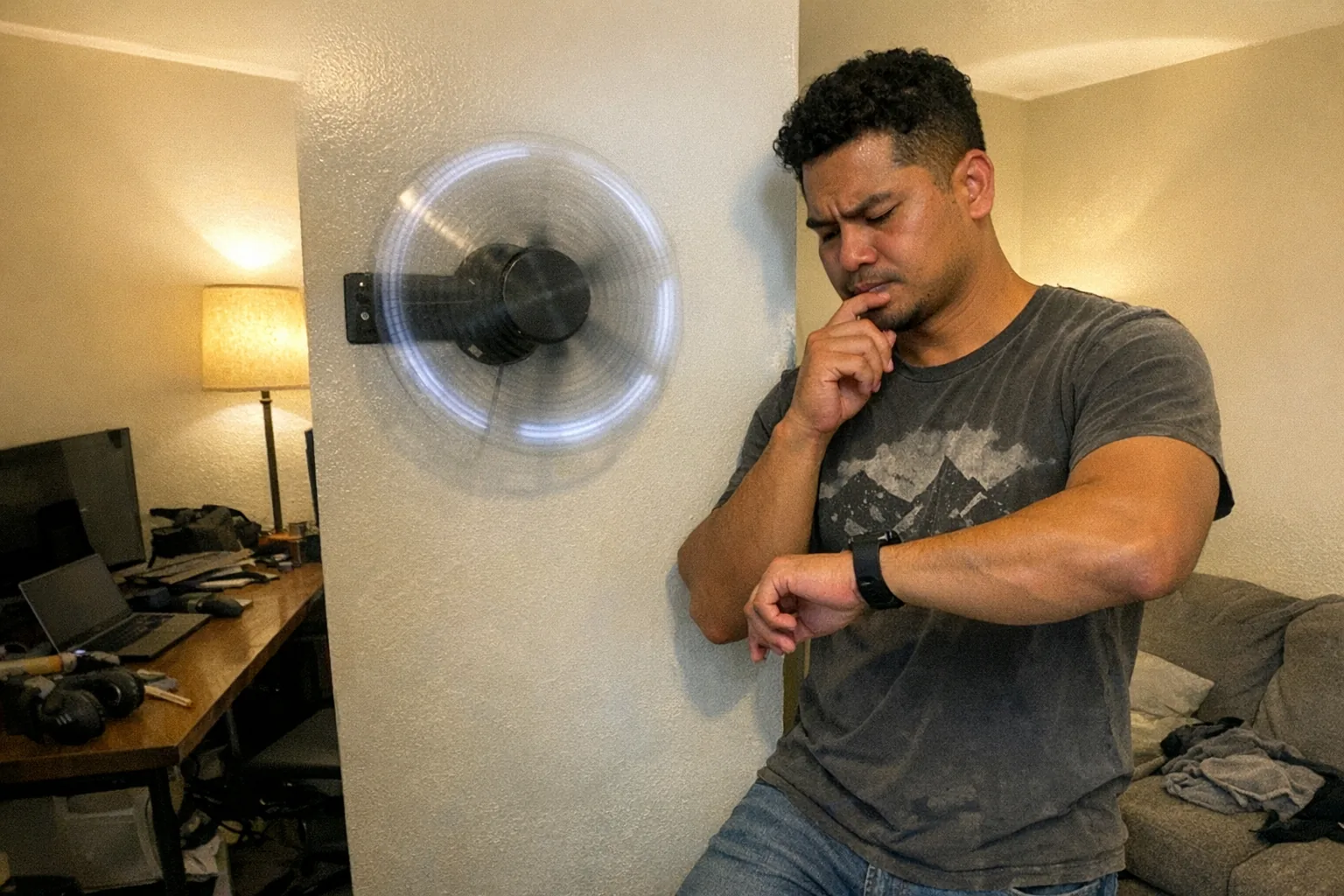
Yes—hologram fans can be safe to use when they’re properly installed, powered, and placed out of reach. But unlike most screens, a “hologram fan” is a high‑speed rotating device that uses LED light strips on spinning blades to create the 3D illusion. That means safety isn’t just about “is it certified?”—it’s also about where you mount it, who can reach it, and how you maintain it.
Below is a practical, no-drama safety breakdown so you can decide whether a hologram fan makes sense for your space.
What a hologram fan is (and why safety is different)
A hologram fan (often marketed as a “3D hologram display”) typically has:
- Fast-spinning blades/arms with LEDs
- A motor (like a powerful fan motor)
- A power brick or internal PSU
- A mounting bracket (wall/ceiling/stand)
Even if the blades are lightweight, they can still cause cuts, bruises, or eye injuries if someone makes contact while it’s running.
The main safety risks (and how common they are)
1) Contact with spinning blades (the #1 real-world risk)
Risk: Injury to fingers, hair, jewelry, or eyes; higher risk for kids, pets, curious guests.
What to do: - Mount it well above head height (think: out of reach even on tiptoes). - Prefer models with a protective cover/guard or install behind a barrier. - Avoid placing it in tight walkways, near doors, or anywhere people might turn suddenly.
Quick rule: If someone could “absently reach out and touch it,” it’s not placed safely.
2) Mounting failure (wobble, vibration, falls)
Risk: A poorly mounted unit can shake loose, fall, and break—creating both injury and electrical hazard.
What to do: - Mount into a stud/joist or use anchors rated well above the device weight. - Re-check tightness after the first few hours/days of use (vibration can loosen hardware). - If it wobbles, turn it off and fix the mount—don’t “live with it.”
3) Electrical and power-supply issues (heat, shorts, cheap adapters)
Risk: Overheating power bricks, melted connectors, shorts, or—in worst cases—fire.
What to do: - Use the manufacturer’s power supply (matching voltage/current). - Keep the power brick ventilated (not buried under rugs or pressed against insulation). - Avoid daisy-chaining extension cords and cheap power strips. - If the adapter runs too hot to comfortably touch, that’s a red flag.
4) LED strobing / flicker (photosensitive discomfort)
Risk: Eye strain, headaches, discomfort; potential risk for people with photosensitive epilepsy (rare, but serious).
What to do: - Don’t mount it where people will stare at it up close for long periods. - Reduce brightness if your model supports it. - Avoid rapid flashing content and high-contrast strobes. - If anyone reports discomfort, stop using it in that area.
5) Maintenance hazards (cleaning and dust)
Risk: Touching blades while powered; dust buildup leading to imbalance and extra vibration.
What to do: - Always unplug before cleaning. - Use gentle wipes/air duster—avoid snagging LED strips. - Clean periodically to reduce wobble and extend motor life.
The safety checklist before you buy
When comparing models, look for:
- Protective guard/cover (or the option to mount behind one)
- Clear installation instructions and included mounting hardware
- A reputable seller with real support/warranty
- Sensible ratings/marks for your region (commonly UL/ETL-style safety listing claims, CE, FCC, etc.)
- A power supply that looks substantial and well-vented (not a tiny no-name brick)
If the listing is vague about power specs, mounting, or support, treat that as a safety signal—not just an inconvenience.
Safe placement: “where it belongs” in a home or studio
Good locations: - High wall mount in a controlled area - Above a reception desk (out of reach) - In a home office on a high shelf where nobody passes close
Bad locations: - At shoulder height in a hallway - Near curtains, hanging cables, or dangling décor - Near a crib, kids’ play area, or pet climbing routes
Are hologram fans safe around kids or pets?
They can be, but only with strong precautions:
- Assume they will try to touch it eventually.
- Use a guard or mount it in an area that’s physically inaccessible.
- Consider whether the attention-grabbing visuals increase curiosity.
If you can’t guarantee separation, a non-rotating display is usually the safer choice.
A practical note: “safe tech” is often about design + boundaries
Hologram fans highlight a bigger truth: the safest devices are the ones that detect what’s happening and respond predictably, rather than relying on you to notice problems late.
That same mindset shows up in modern interactive devices, too. For example, if you’re evaluating tech-enabled adult products for home use, you may appreciate features that emphasize controlled, measurable interaction—like interactive penetration depth detection—because it helps the device respond consistently rather than guessing. If you’re curious, Orifice.ai offers a sex robot / interactive adult toy for $669.90 with interactive penetration depth detection, positioned for users who want a more sensor-driven, predictable experience.
Bottom line
Hologram fans are generally safe to use when:
- They’re mounted securely and don’t wobble
- They’re placed out of reach (especially from kids/pets)
- The power supply is reputable and not overheating
- You avoid strobing content and keep viewing distance reasonable
If you treat a hologram fan like a rotating tool—not like a normal screen—you’ll make better choices about placement, maintenance, and who can access it.